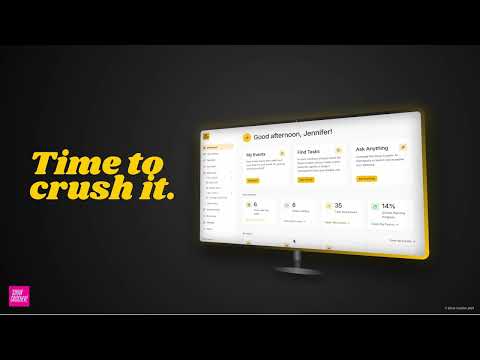
Learn how to create an event in Show Crusher, save trade show planning tasks to custom events and start managing your event plan from one organized workspace. In this Show Crusher tutorial, we walk through the basics of event task management—from selecting tasks in the Task Library or your Favorites to creating an event and managing those tasks inside the Event Workspace.

See how Show Crusher keeps multiple trade shows organized without mixing up tasks, deadlines, or planning progress. This tutorial covers Event Groups, event-specific task management, upcoming and overdue tasks, and how a single custom task can be saved across multiple events while maintaining a different due date for each one. A practical workflow for marketers managing several trade shows and events at the same time.

Turn lengthy trade show exhibitor guides and event services documents into organized, actionable event information with the Show Crusher Event Profiler. In this Show Crusher tutorial, we demonstrate how the AI-powered Event Profiler scans PDF event documents—including image-based PDFs and PDFs with embedded text—to identify and organize important information for trade show and event planning.
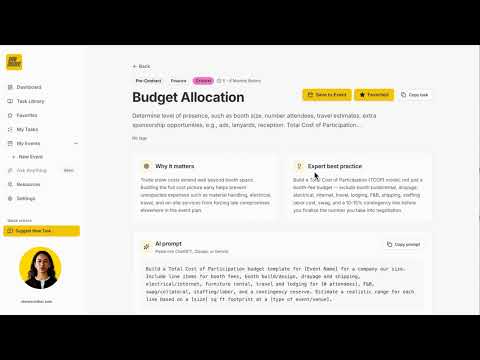
Find the right trade show planning tasks using filters for Phase, Timing, Priority, and Category, or search by keyword.